
If you want to multiply your favorite Pokémon in Pokémon Emerald without lengthy breeding or trading, you can use a simple in-game cloning glitch available after unlocking the Battle Frontier. This guide will walk you through the safe process of duplicating your Pokémon to expand your collection or create backups of rare or powerful team members.
Pokémon Emerald : Play Game for Android APK
Prerequisites Before You Begin
- You must have defeated the Elite Four and Champion to unlock the Battle Frontier.
- The Battle Frontier must be accessible in your game.
- The Pokémon you want to clone should be in your current party.
- Important: Save your game before starting to avoid any risk of losing data.
Step 1: make your way to the Battle Frontier and then head directly to the Battle Tower.
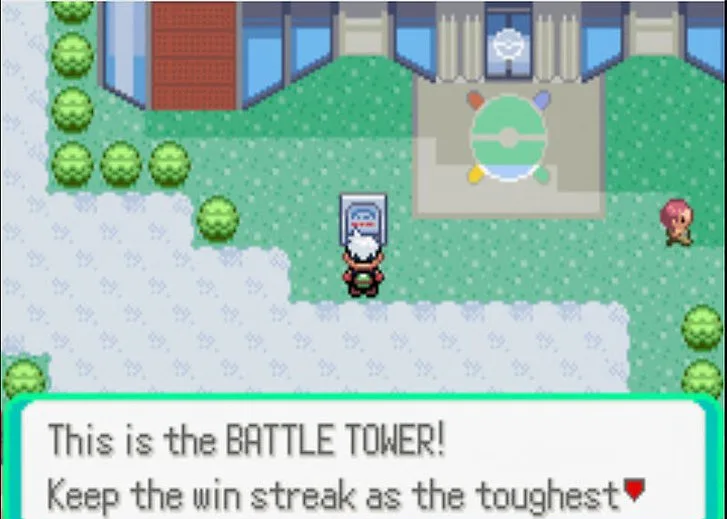
- Use Fly to reach the Battle Frontier, located in the southeast of Hoenn.
- Enter the Battle Tower building.
- Ensure the Pokémon you want to clone is currently in your party.
Step 2: Deposit the Pokémon into Bill’s PC
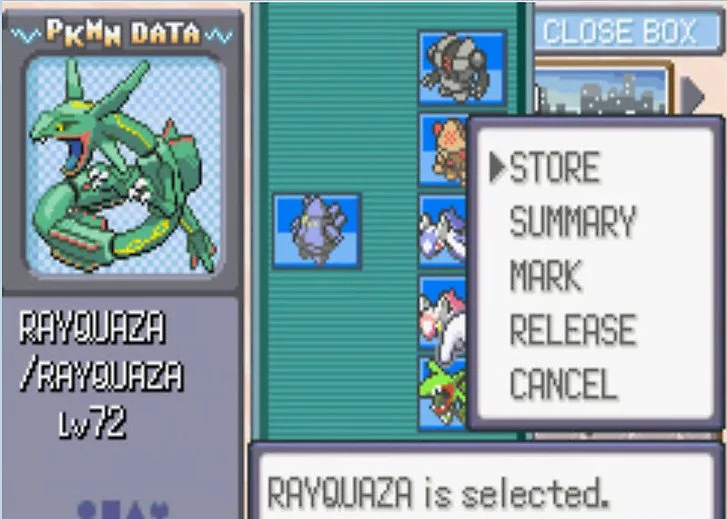
- Once inside the Battle Tower, locate and use the PC.
- Open Bill’s PC (not the regular PC box).
- Deposit the Pokémon you want to duplicate.
- Exit the PC and save your game immediately through the pause menu to back up your progress.
Step 3: Withdraw the Pokémon You Wish to Clone
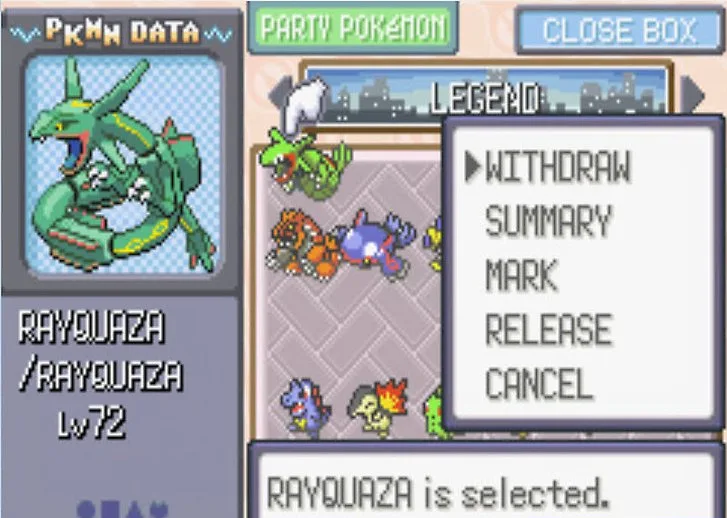
- Reopen Bill’s PC.
- Withdraw the Pokémon you just deposited back into your party.
- Do not move any other Pokémon or save the game again before proceeding.
Step 4: Challenge the Link Multi Battle Room
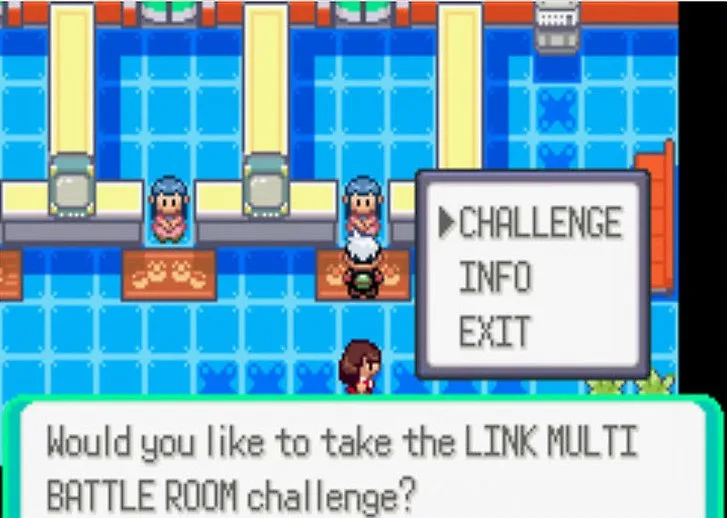
- After accessing the PC, make your way to the Link Multi Battle Room, which is nearby.
- Talk to the lady managing it and choose to CHALLENGE.
- Select either Level 50 or Open Level battle format (your choice).
- Pick two Pokémon from your party for the battle (these do not have to be the Pokémon you want to clone).
- When prompted to save your progress before entering the battle, select YES.
- The screen may pause briefly—this signals the cloning glitch has activated.
Step 5: Save the Game and Restart
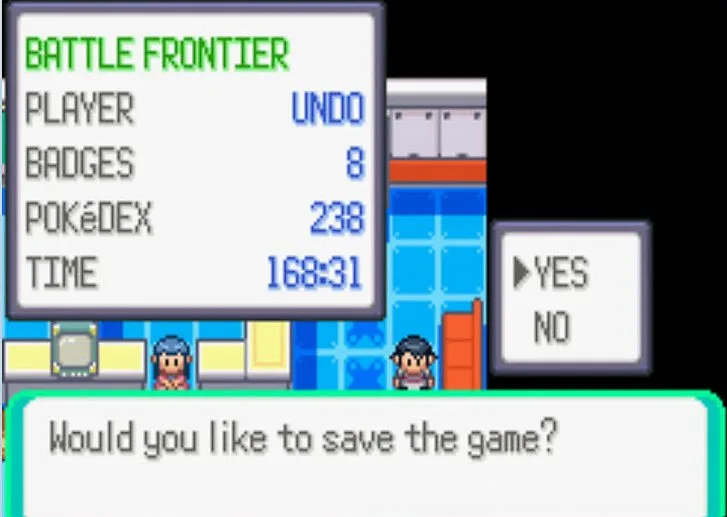
- After the cloning process finishes, the game will ask if you want to save—choose YES.
- Turn your game OFF completely, then turn it back ON.
- Load your save file. Your cloned Pokémon will now appear both in your party and in the PC.
Important Tips and Warnings
- Always save before attempting the glitch.
- Avoid moving or swapping other Pokémon during the process, as it can disrupt cloning.
- This glitch works only on the original Pokémon Emerald cartridge; it may fail on emulators or re-releases.
- Be cautious cloning event or rare Pokémon, as this may corrupt your save data.
- Remember, the Battle Frontier unlocks only after beating the Elite Four and Champion.
Pokémon Emerald : Play Game for Android APK
RELATED ARTICLE :


 Security verified