


Cloning Pokémon in Pokémon Gold and Silver is one of the most well-known and widely used glitches in the second generation of the franchise. This method allows you to duplicate not just Pokémon, but also valuable items such as Master Balls, Rare Candies, and powerful TMs. Although this is a glitch and not an official feature, it has been tested and used by countless players. Still, you must be careful when attempting it—if the timing is off or if the steps are done incorrectly, there’s a chance your game save could be corrupted. So make sure to save your progress beforehand, follow each instruction carefully, and use the trick wisely to boost your gameplay experience.
Step 1: Organize the Pokémon in Your PC
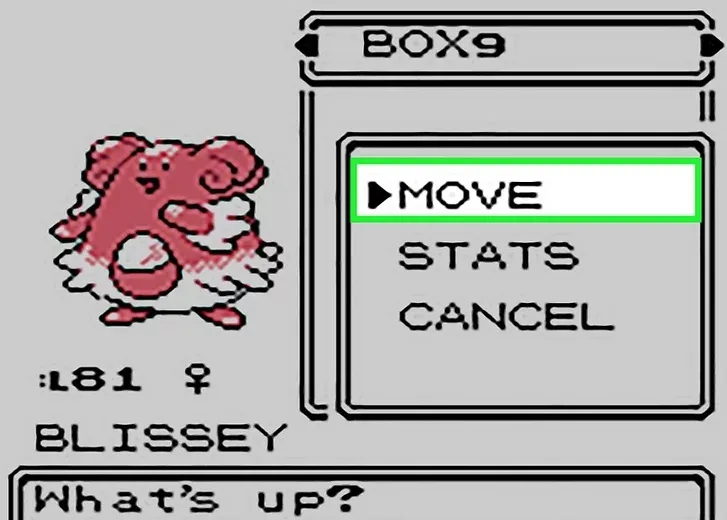
Start by accessing a Pokémon Center and heading to the PC. Choose “Bill’s PC” to manage your Pokémon storage system. Review the boxes and move the Pokémon you wish to clone from your current party into an accessible PC box. This step ensures the Pokémon are in the right place for the duplication process. It’s also a good opportunity to tidy up your PC and make sure the next steps will go smoothly.
Step 2: Transfer the Cloning Candidates Back Into Your Party
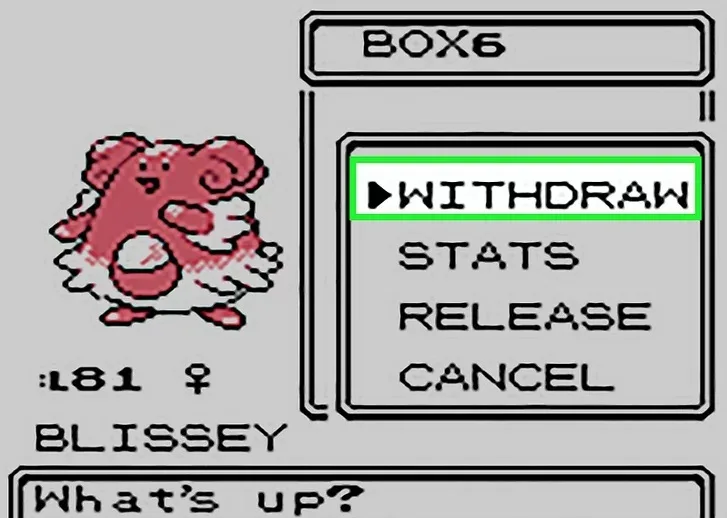
Once you’ve identified which Pokémon you want to clone, move them from the PC box back into your current party. Make sure your party has enough room for the Pokémon you want to clone—if you’re cloning multiple Pokémon, they all need to be in your team at once. This ensures that they will remain in your party after the glitch, while their clones will end up in your PC.
Step 3: Attach Items You Wish to Duplicate
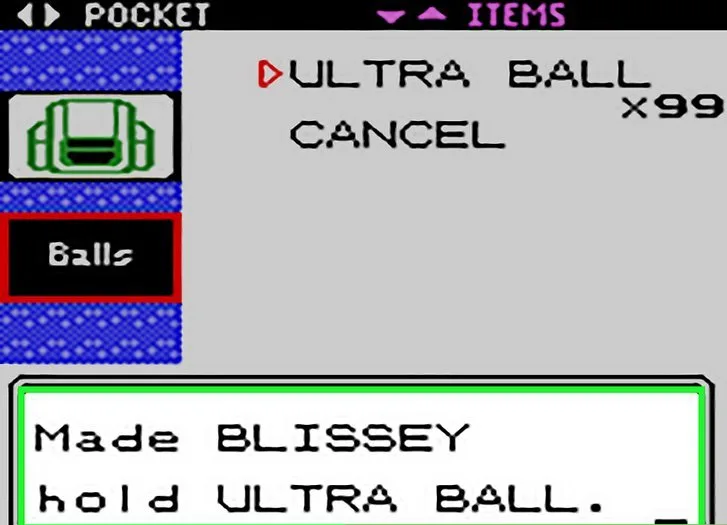
Before going any further, give each Pokémon you plan to clone a valuable item you’d like to duplicate. These can include Master Balls, Rare Candies, Leftovers, or any rare TMs. Once the glitch is successful, the cloned Pokémon in your PC will retain these items, while your original Pokémon in your party will still be holding them as well. This is one of the best ways to stock up on rare resources.
Step 4: Switch to an Empty Box in Your PC
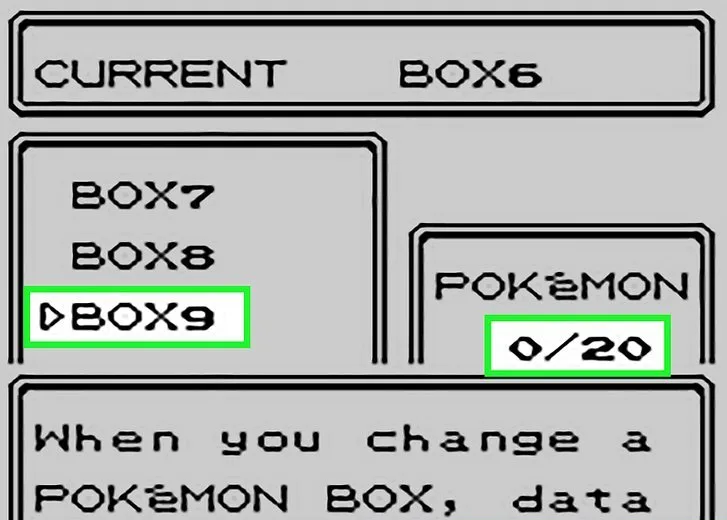
Now it’s time to use the “Change Box” function. Head into Bill’s PC and select the option to change the storage box. Pick an empty box—one that has no Pokémon stored in it. This step is important because changing boxes triggers a game save, which is required to execute the glitch correctly. Make sure to remember which box you’re using.
Step 5: Deposit the Pokémon You Want to Clone
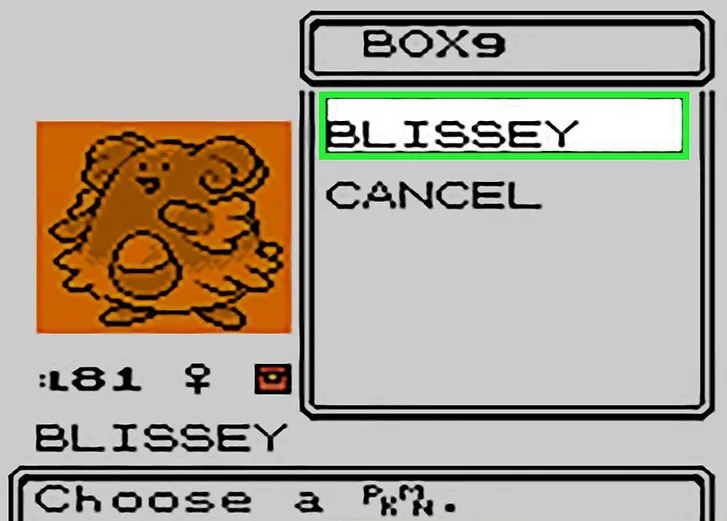
Next, use the “Deposit Pokémon” feature to place the Pokémon from your party—those you want to clone—into the empty PC box. Be careful not to accidentally deposit the wrong Pokémon. Also make sure the box still has plenty of space if you are cloning more than one Pokémon. The Pokémon will now exist only in your PC, but don’t worry—the glitch will bring them back to your party soon.
Step 6: Switch to Another Empty Box to Trigger Saving
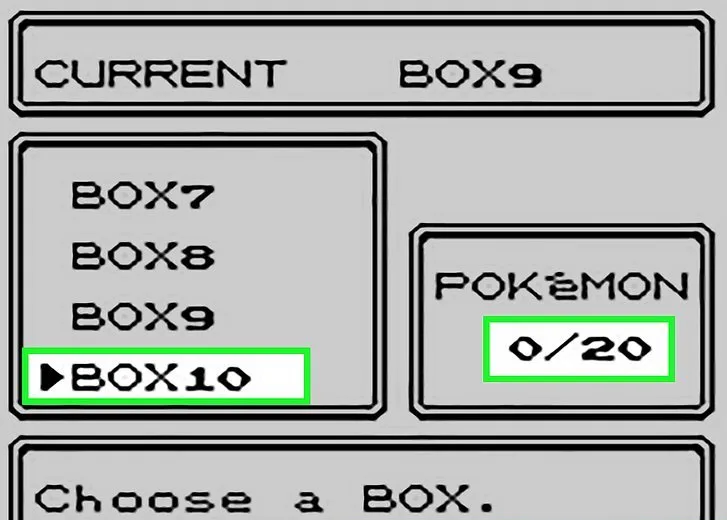
After depositing the Pokémon, select “Change Box” again and switch to another completely empty box. This will cause the game to prompt a save. When the system asks if you’d like to save your game, choose “Yes.” As the game begins saving, pay close attention to the “Saving… Don’t turn off the power” message. The next step will rely heavily on perfect timing.
Step 7: Turn Off the Power at the Perfect Moment
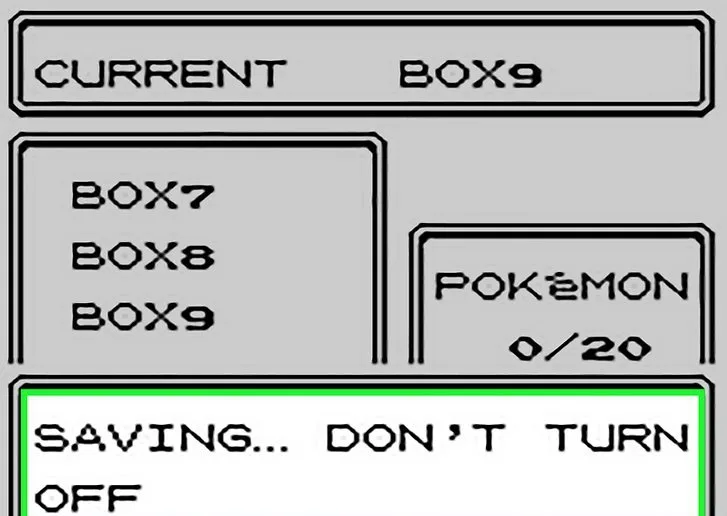
This is the most critical part of the glitch. As soon as the text “Saving… Don’t turn off the power” appears, wait about half a second to one full second, then manually turn off the power to your Game Boy. The idea is to shut off the game while it is saving—but not before it has written the new box data. If done correctly, this will result in a duplicate Pokémon being saved in the PC, while the originals remain in your party.
⚠️ Caution: If you turn the game off too early, you may lose data. If you do it too late, the clone may not be created. Practice with less valuable Pokémon first!
Step 8: Restart and Check the Results
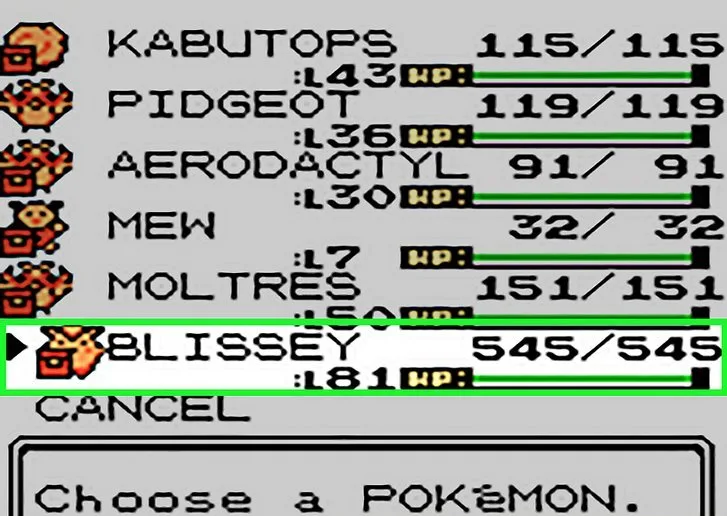
Turn your game back on and load your saved file. Once you’re back in the game, check your party—you should see the Pokémon you tried to clone are still there, holding their items. Then, access the PC and look inside the box where you deposited them earlier. If the glitch worked properly, you’ll see identical clones in the PC with the same items. You’ve successfully cloned your Pokémon and items!
Conclusion
Cloning Pokémon in Pokémon Gold and Silver can be a powerful trick if used responsibly. Whether you want to build a team of Mewtwos, stock up on Master Balls, or just experiment with the mechanics of the game, this glitch offers an exciting way to enhance your gameplay. Just remember to save before attempting, practice the reset timing, and avoid overloading your boxes. When done correctly, this method will make you feel like a cloning master—ready to conquer Johto and Kanto with an army of perfectly copied allies.



 Security verified