
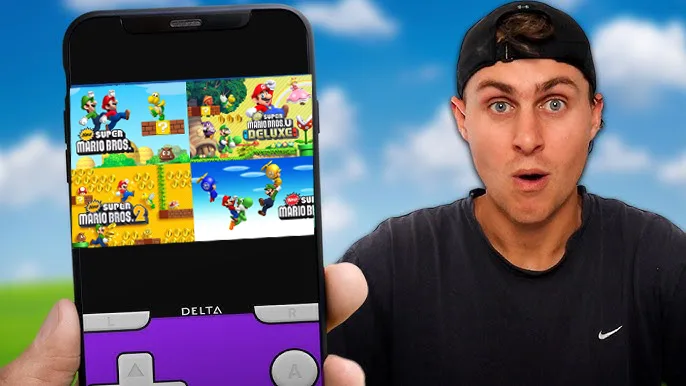
Super Mario, one of the oldest and most beloved video game franchises, is a nostalgic cornerstone for many people. If you’re yearning to relive those classic moments, there’s great news: you can now enjoy Super Mario games directly on your Android device with minimal effort. Thanks to updated methods, you no longer need to go through complex installations or setups—just one click, and you’re ready to play!
Almost every major Super Mario game from the NES to the Wii is playable on Android. This includes:
- NES: Super Mario Bros. 1, 2, and 3
- SNES: Super Mario World
- Nintendo 64: Super Mario 64
- GameCube: Super Mario Sunshine
You can also access other Mario-related spin-offs, like Mario Kart and Mario Party, as well as Mario games from Nintendo’s handheld systems, such as the Super Mario Land titles.
For those wanting something official, games like Super Mario Run and Mario Kart Tour are readily available on the Play Store.
However, note that newer consoles like the Wii U and Nintendo Switch are not yet emulated on Android. This means games like Super Mario Maker or Super Mario Odyssey aren’t available for Android devices.
How to Play Super Mario Games With Just One Click
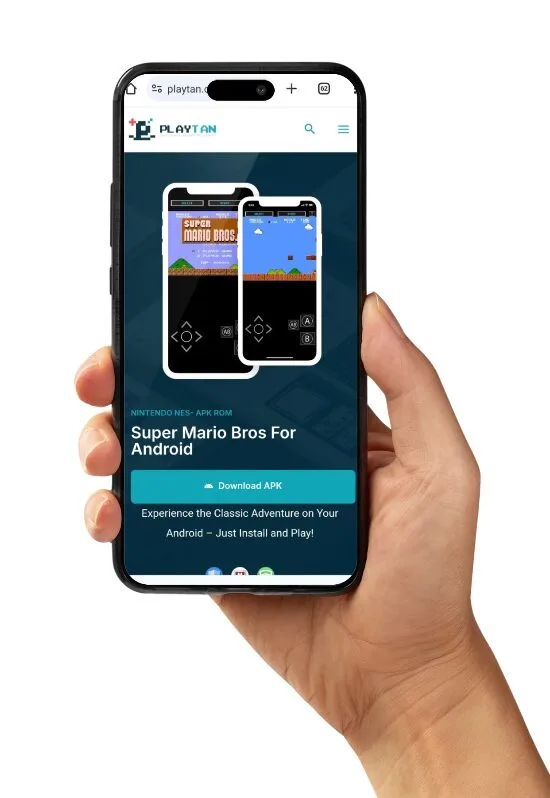
Thanks to advancements in technology, downloading and installing Mario games on Android is easier than ever. Forget the old, tedious methods. Now you can simply:
- Download the emulator and game bundle directly: Just click the appropriate link provided, and everything is ready to install.
- Install the game: With just one tap, your device sets up the emulator and loads the game automatically. No manual setup, no extra steps!
This streamlined process eliminates the hassle and makes enjoying classic Super Mario games effortless.
Best Emulators for Classic Mario Games
Each Mario game corresponds to a specific console emulator. Below is a list of recommended emulators, all optimized for Android:
1-1. Play Super Mario Bros. 1 on Android (NES)
Relive the game that started it all: Super Mario Bros. 1 for the NES. This timeless classic is perfectly emulated using NES.emu, which delivers smooth gameplay, customizable controls, and a nostalgic experience with no intrusive ads. Jump through the Mushroom Kingdom and rescue Princess Peach just like in the good old days!
Download NES.Super Mario Bros 1.
1-2. Play Super Mario Bros. 2 on Android (NES)
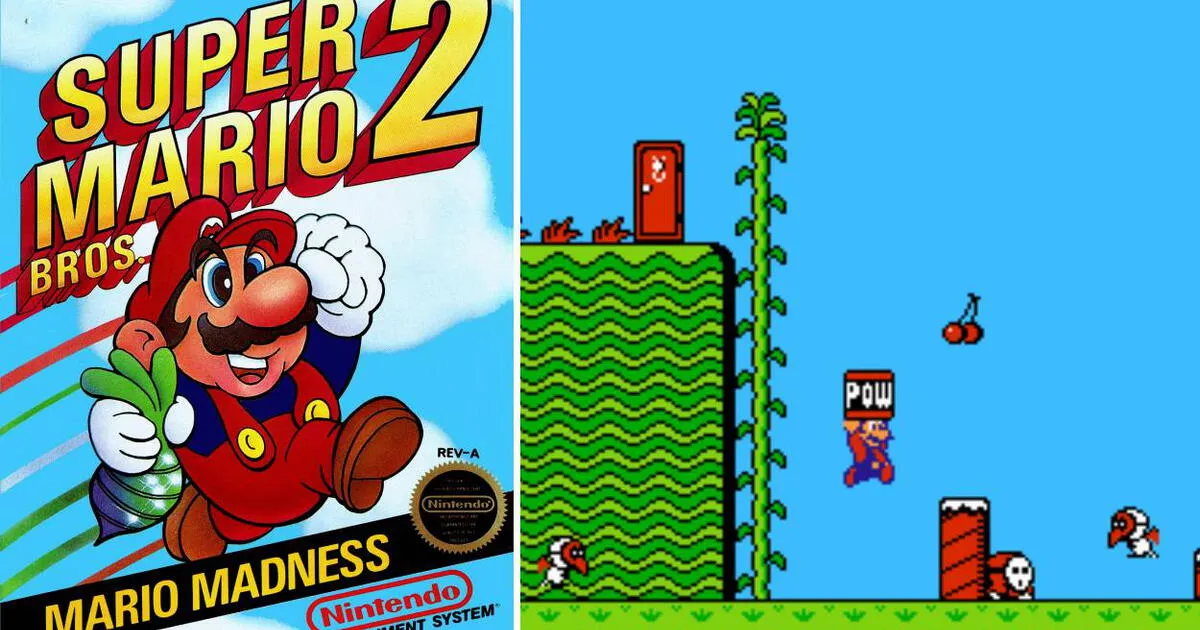
Experience the quirky charm of Super Mario Bros. 2 for the NES, known for its unique gameplay and character selection. With play tan , you’ll enjoy precise controls and seamless performance, letting you pick your favorite character and tackle levels in this memorable sequel with ease.
.Download NES.Super Mario Bros 2.
1-3. Play Super Mario Bros. 3 on Android (NES)
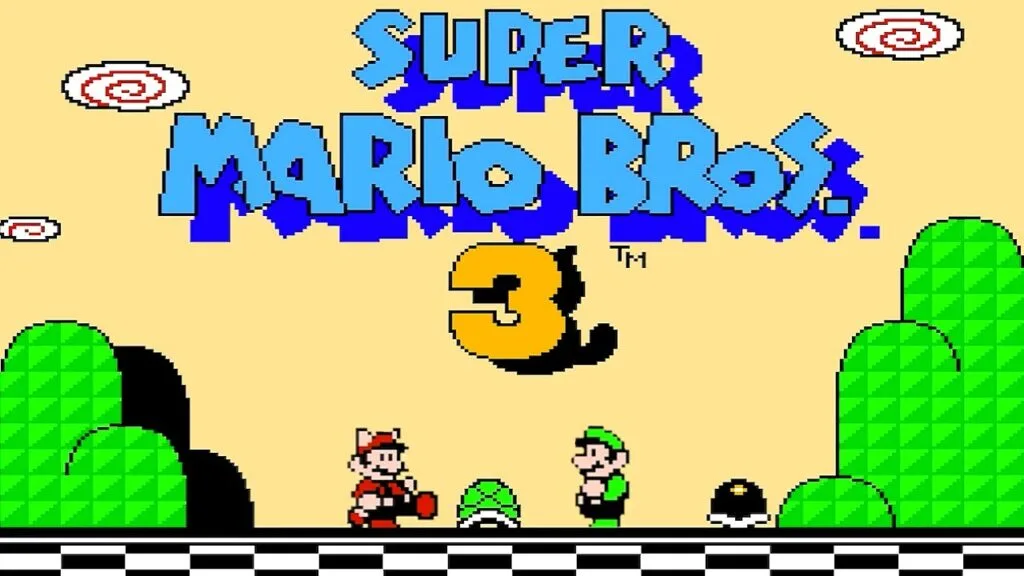
Arguably one of the greatest NES games ever made, Super Mario Bros. 3 for the NES is a masterpiece of platforming. play tan ensures a flawless experience, complete with responsive controls and support for save states, so you can glide through levels with the Super Leaf and face Bowser in comfort.
2. SNES Games (Coming Soon)
![Super Mario World (1990) SNES - 2 Players, Fantastic co-op with 95 Exits Completed! [TAS]](https://i.ytimg.com/vi/1TUtU2F0h2w/maxresdefault.webp)
To play Super Mario World from the SNES, play tan provides high-quality emulation with intuitive controls and save-state support.
3. Nintendo 64 Games (Coming Soon)

For Super Mario 64, play tan is the most reliable choice. It supports enhanced graphics, external controllers, and multiplayer options.
4. GameCube and Wii Games (Coming Soon)
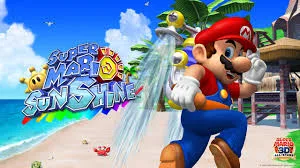

The versatile Dolphin Emulator runs both GameCube and Wii games, including Super Mario Sunshine and Super Mario Galaxy. Dolphin offers stunning graphics and works seamlessly with external controllers.
With PlayTan, Relive Classic Mario Games with Ease
With just a few taps, you can turn your Android device into a Super Mario nostalgia machine. Gone are the days of complex installations—PlayTan makes it simple to enjoy Mario classics in no time.
Simply install the app, select your favorite Mario game, and you’re ready to dive straight into the Mushroom Kingdom. Whether you use your favorite controller or the on-screen buttons, you can jump right back into the action today!


 Security verified